

Prerequisites
You’ll need the following installed:- Node.js v18 or newer
- pnpm v8 or newer
- Docker Desktop (required for running the Envio indexer locally)
Setting up the project
First, create and enter a new directory:Get the contract ABI
- Create an
abi.jsonfile:
- Copy the WrappedMonad ABI from the explorer
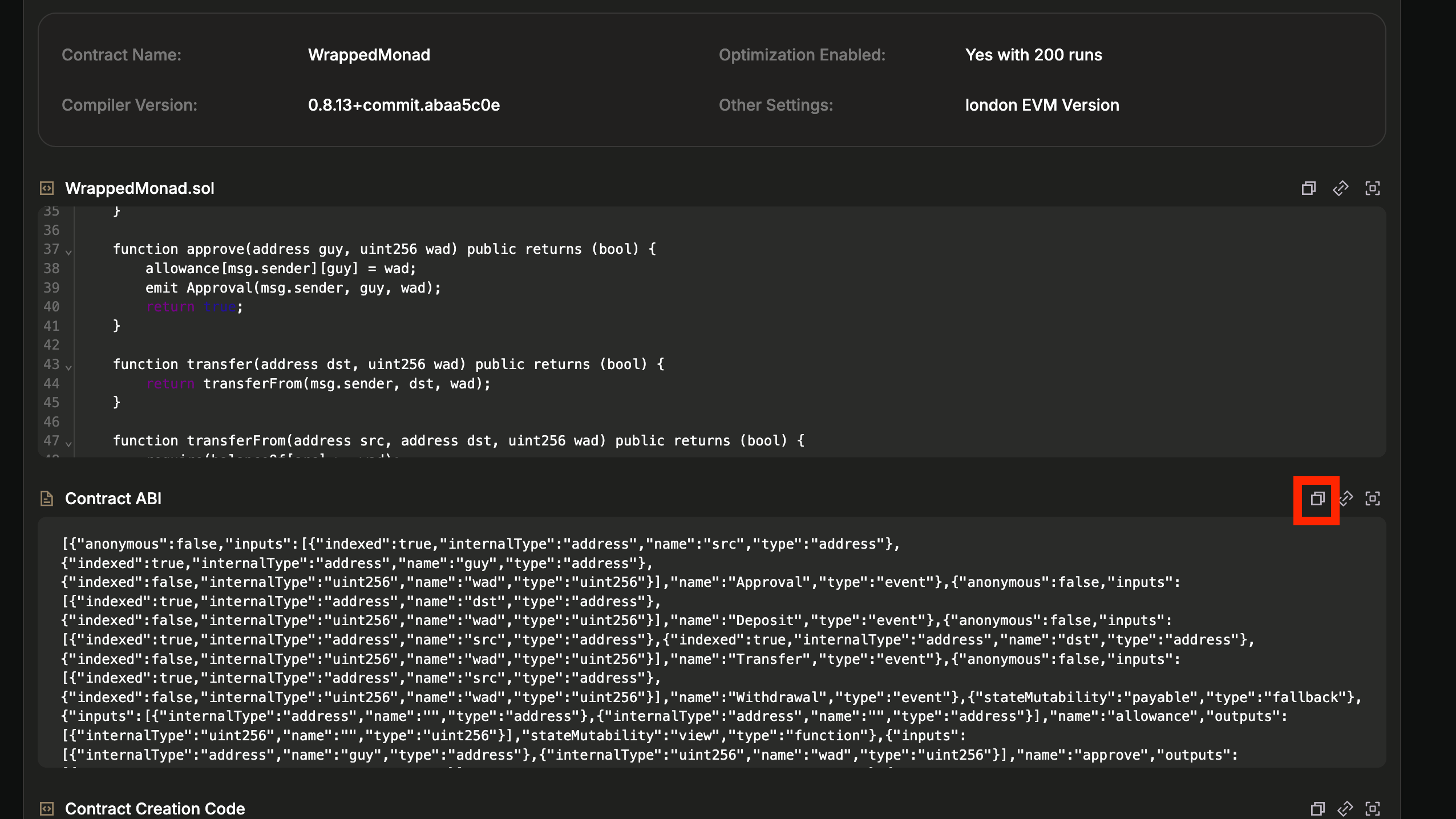
- Paste the ABI into your
abi.jsonfile
Initialize the project
Run the initialization command:- Press Enter when asked for a folder name (to use current directory)
- Select
TypeScriptas your language - Choose
Evmas the blockchain ecosystem - Select
Contract Importfor initialization - Choose
Local ABIas the import method - Enter
./abi.jsonas the path to your ABI file - Select only the
Transferevent to index - Choose
<Enter Network Id>and input10143(Monad Testnet chain ID) - Enter
WrappedMonadas the contract name - Input the contract address:
0xFb8bf4c1CC7a94c73D209a149eA2AbEa852BC541 - Select
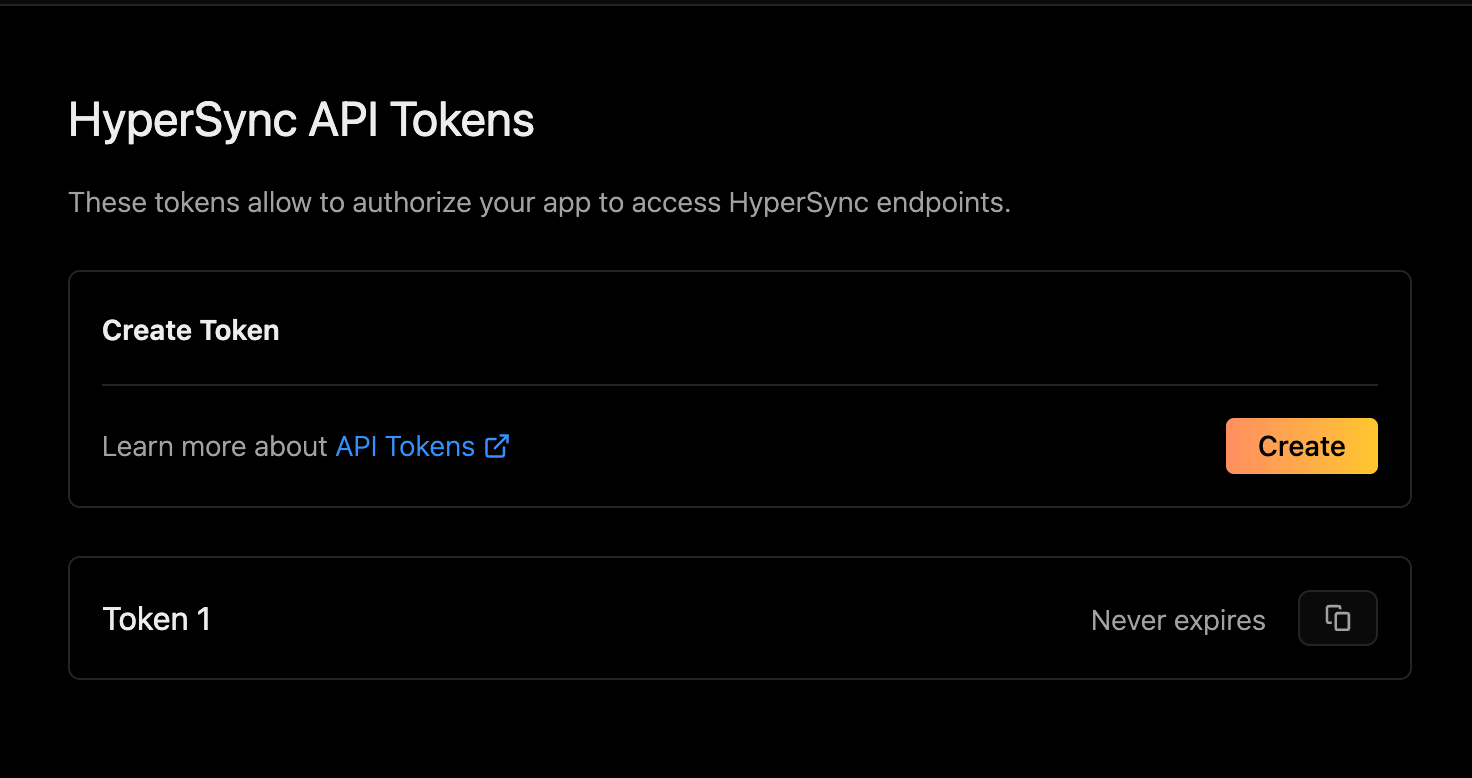
I'm finishedsince we’re only indexing one contract - Choose whether to create or add an existing API token. If you choose to create a new token, you’ll be taken to a page that looks like this:
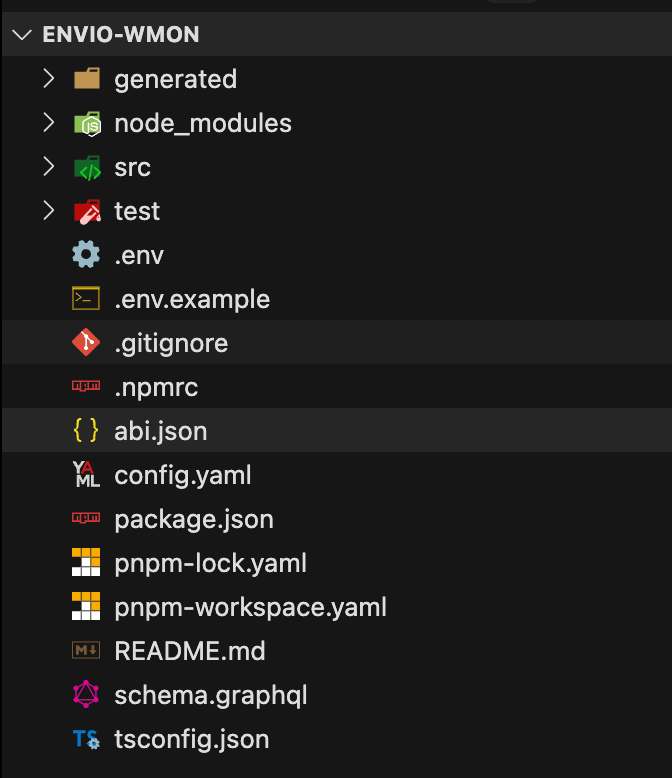
config.yaml file, to make transaction hash available in event handler:
config.yaml
field_selection config here
Starting the indexer
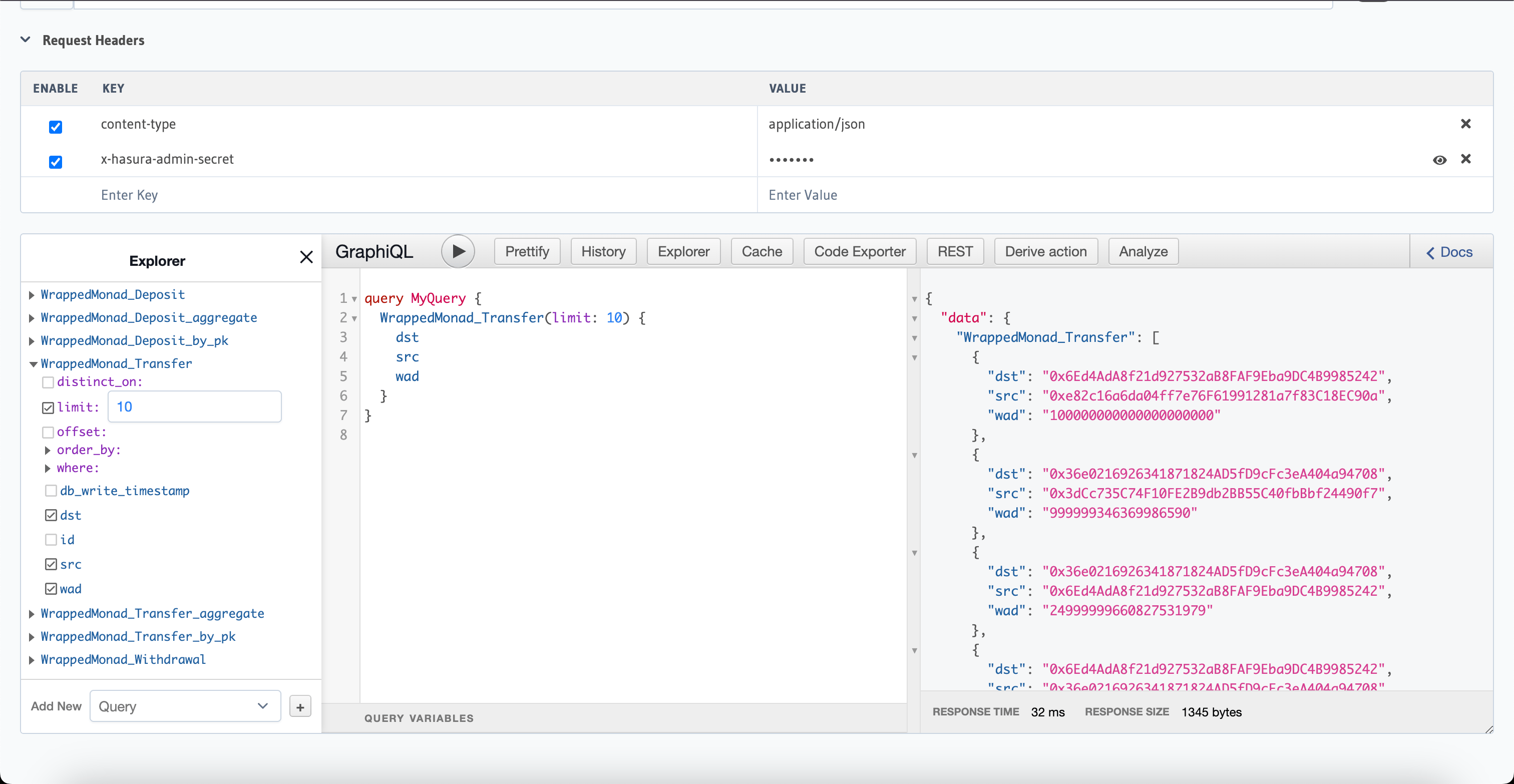
Start Docker Desktop. To start the indexer run the following command in the project directory: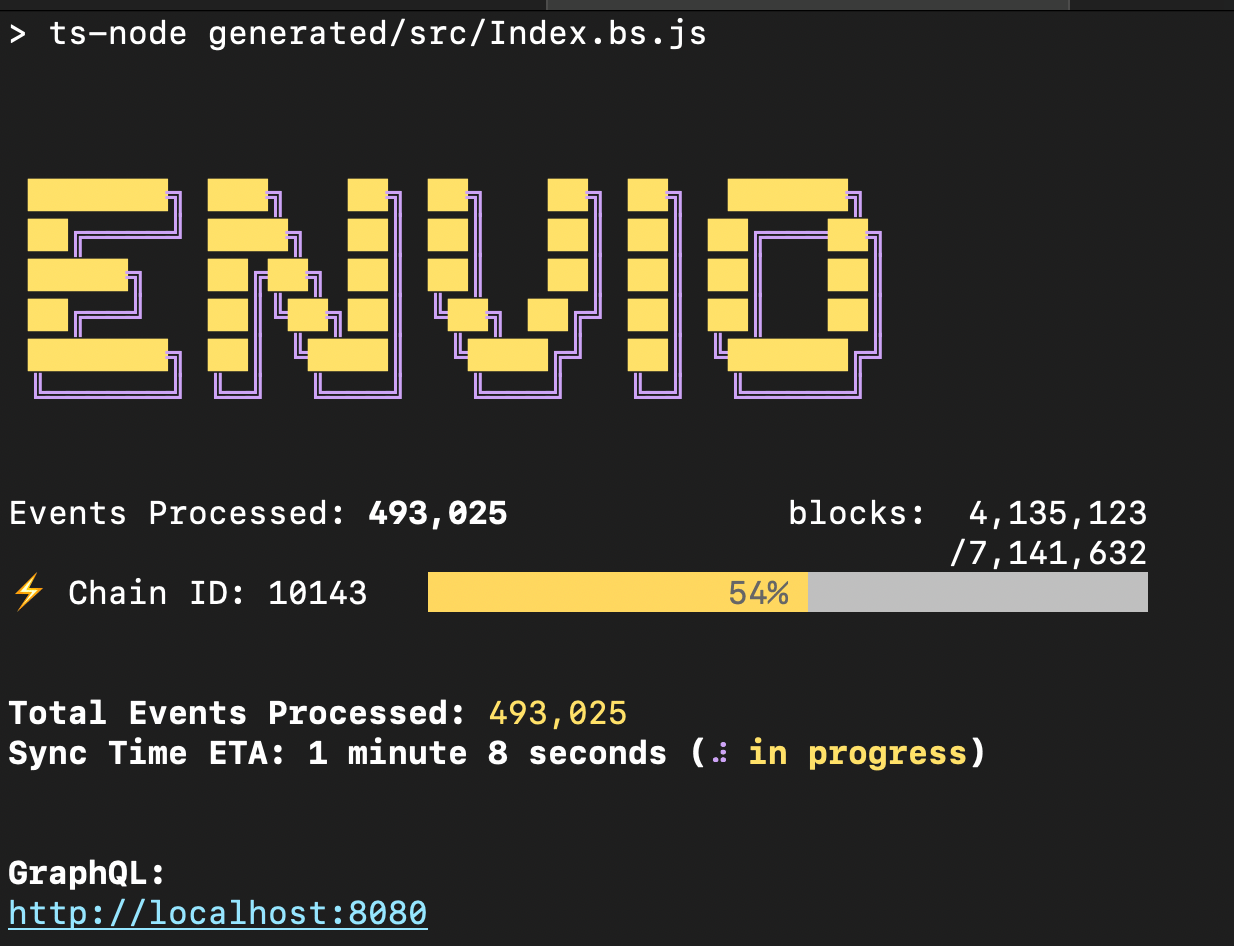
testing.
Creating the Telegram bot
- Visit BotFather to create your bot and get an API token
- Add these environment variables to your
.envfile:
- Create a Telegram group and add your bot
- Send
/startto the bot:@YourBot /start - Visit
https://api.telegram.org/bot<YourBOTToken>/getUpdates - Look for the channel chat ID (it should start with ”-”)
If you don’t see the chat ID, try removing and re-adding the bot to the group.
Integrating Telegram API to HyperIndex Event Handler
Create a folderlibs inside src folder in the project directory, create a file inside it telegram.ts and add the following code
src/libs/telegram.ts
axios package
src folder called constants.ts and add the following code:
src/constants.ts
EventHandlers.ts in src folder, to add the code for sending the telegram message:
src/EventHandlers.ts
helpers.ts in src/libs folder, paste the following code in it:
src/libs/helpers.ts
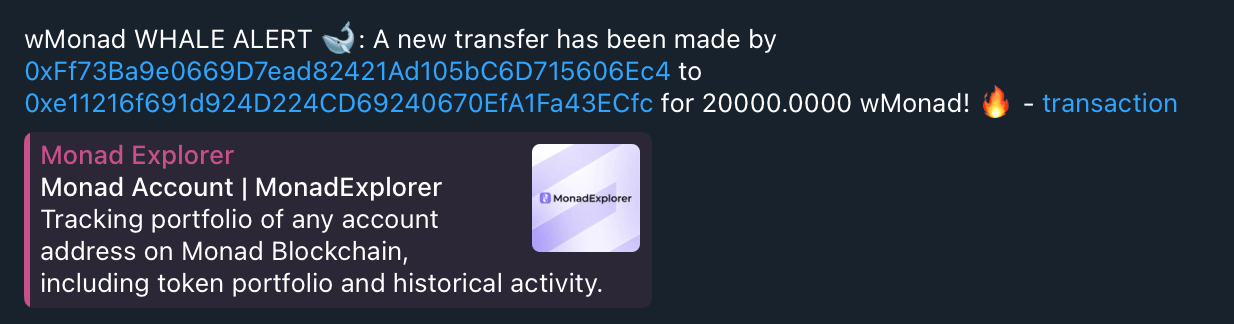
You may not immediately start seeing messages because the indexer take some time to catch up to the tip of the the recent blocks.The bot will only send notifications for transfers when the indexer detects a WMON transfer in finalized blocks, with timestamp greater than or equal to the indexer start time.